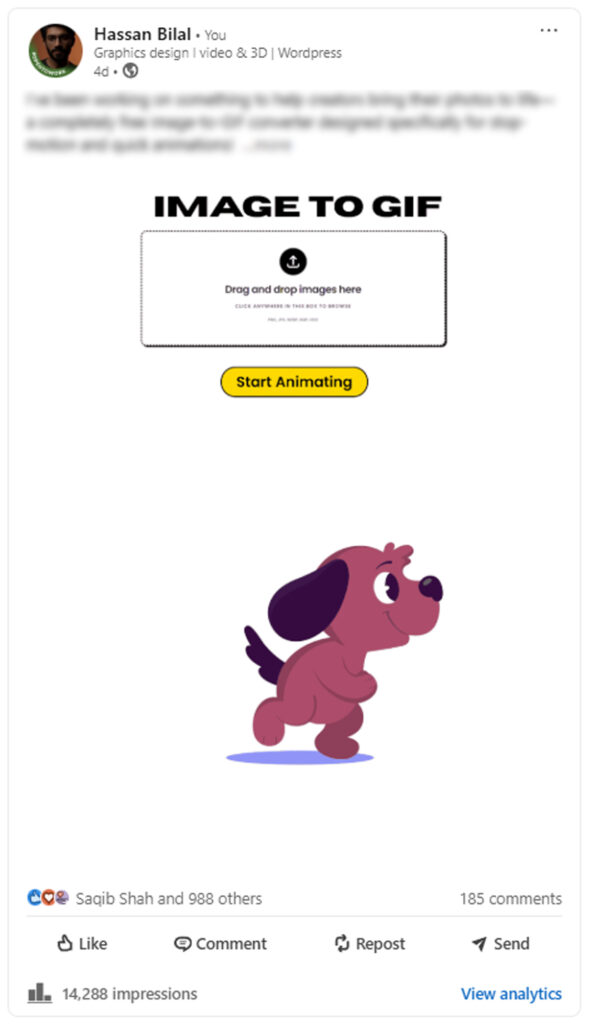

Image To GIF
Drag and drop images here
Click anywhere in this box to browse
PNG, JPG, WEBP, BMP, HEIC
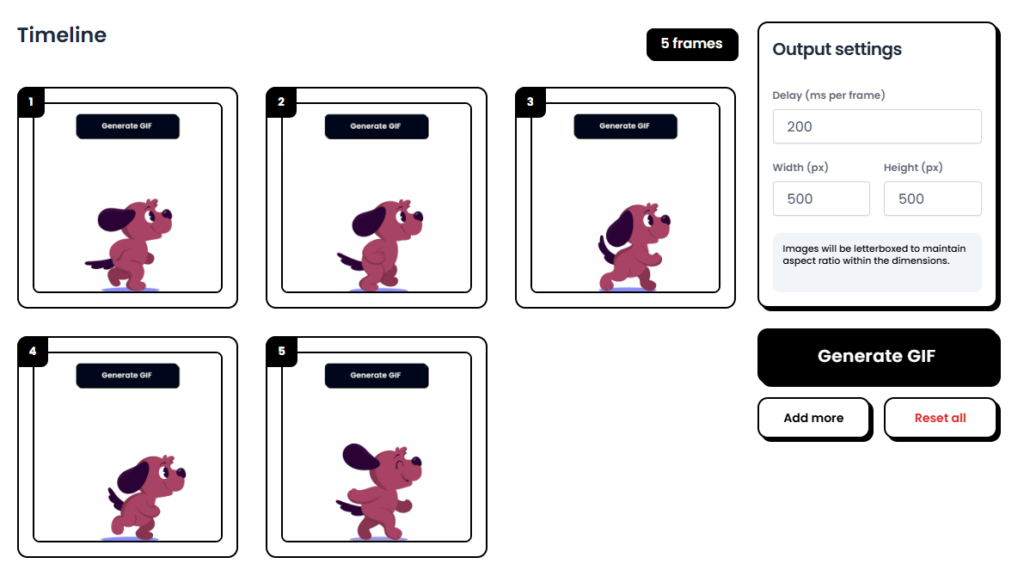
Timeline
0 framesSuccess! Your GIF is ready
DownloadConfirm
How to Convert an Image to a GIF?
Upload Your Images
By clicking on Browse button select images and Load all image in Gif Converter.
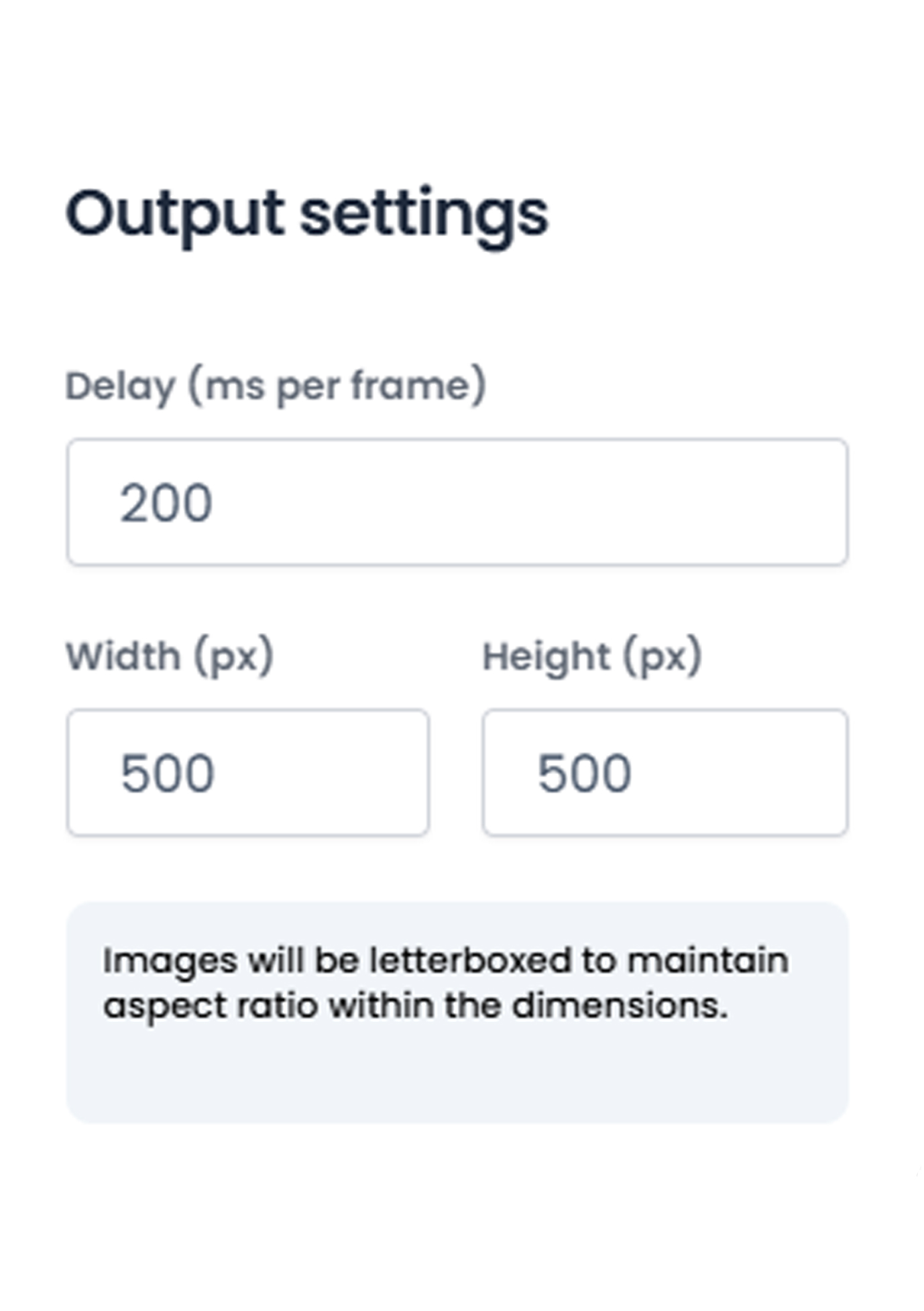
Adjust Setting
You can Select The Delay and Width and Hieght. For better results use dimensions as your image has.

Hit Generate
After uploading and setting hit generate and your GIF is ready to download, With Download button.
Fast & Easy Image to GIF Conversion
The Image to GIF tool by VinlyeePro lets you turn static images into high-quality animations directly in your web browser. Because our tool processes files on your device (client-side), your images are never uploaded to a server. This means you get faster results with zero privacy risks.
Change Image to GIF for Social Media
Compared to static images, dynamic GIFs can convey information more vividly and showcase personality. By using our image to GIF changer, you can easily convert your images into GIFs and use them in various scenarios such as emojis, chats, comments, and posts, enhancing your social media influence and engagement!
Why Choose Our Image to GIF Converter?
🔒 100% Secure & Private
Our tool runs entirely in your browser. Your photos never leave your device, meaning no one else can see them, track them, or steal them. It is safe for confidential business projects and personal photos alike.
⚡ Instant Processing
No waiting for uploads or server queues. Because the processing happens on your computer, your GIF is ready instantly.
📂 Full Creative Control
- Multiple Formats: Supports PNG, JPG, WEBP, BMP, and HEIC.
- Custom Speed: Adjust the frame delay to speed up or slow down your animation.
- Drag & Drop: Simply drop your images into the timeline to rearrange them.
Frequently Asked Questions
Is this tool free?
Yes, it is completely free. There are no subscriptions, hidden fees, or watermarks.
Does it reduce image quality?
No. Our converter maintains the original clarity of your images.
Which devices does it work on?
The tool is fully responsive and works on Google Chrome, Safari, Firefox, and Edge across desktop, tablet, and mobile devices.